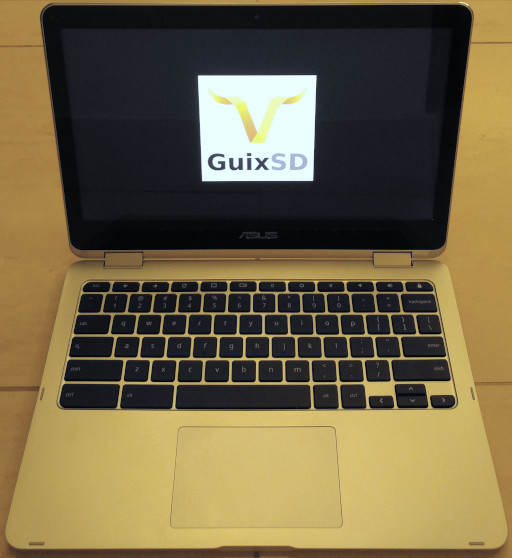
I recently acquired the Asus Chromebook Flip C302 (hereinafter "c302"), and this page outlines the steps I took to get GuixSD (hereinafter "guix") running smoothly on it. The process was pretty straightforward, but the occasional tweaking convinced me that having the details written down would be useful.
The gist of what I'm doing here is to replace the preinstalled ChromeOS (hereinafter "cros") with guix.
Of course, the reasons for doing this may not be obvious. For one, the process outlined in this page will void the warranty. Also, there is the possibility of bricking the device during such a procedure, so, if you plan on using the information here as any kind of advice, please do so and operate on your machine at your own risk!
Note: With the exception of native audio, hibernation, and auto-tablet-mode, everything does work reasonably well.
Instead of a complete guix overhaul, another worthy option may be to keep the original cros and to dual boot it with guix. This requires the so-called RW_LEGACY firmware which keeps the secure cros boot payload intact.
Benefits of the dual boot option are that full hardware functionality would be easily accessible via cros, and screws need not be screwed messed around with. The downside, however, is that precious disk space must be allotted to cros, and a brief confirmation screen persists at bootup.
Before commencing with the firmware-flashing and keyboard-bashing, I had a few days to research the whole process and gather a reference base. Here are some must-reads (as of August 2018):
And these are the hardware needed to make it all happen:
esc + f3 + power (f3 is the fourth, refresh button at the top; power is on the left side of the machine).ctrl + d ("d" for "developer"). Wait more for the machine to boot back into cros.xz -d guixsd-install-{VER}-{SYS}.iso.xzdd if={IMAGE}.iso of=/dev/{MEDIUM}.rom file to a safe location before using the same external storage device to backup cros or to generate a guix installer.)Note: The steps herein will probably populate the kernel with non-free binary blobs. The Guix community does not support such use of the system or the promotion thereof.
.efi file somewhere in "Boot From File".See my guix system configuration as an example: c.scm
(define* (default-initrd-modules ...)) in the above link.guix environment linux-libre --ad-hoc ncurses -- make nconfig(initrd-modules ...) expression in (operating-system ...) to include "mmc_block" and "sdhci-pci".guix system init /.../{SYSCFG}.scm /.../{TARGET}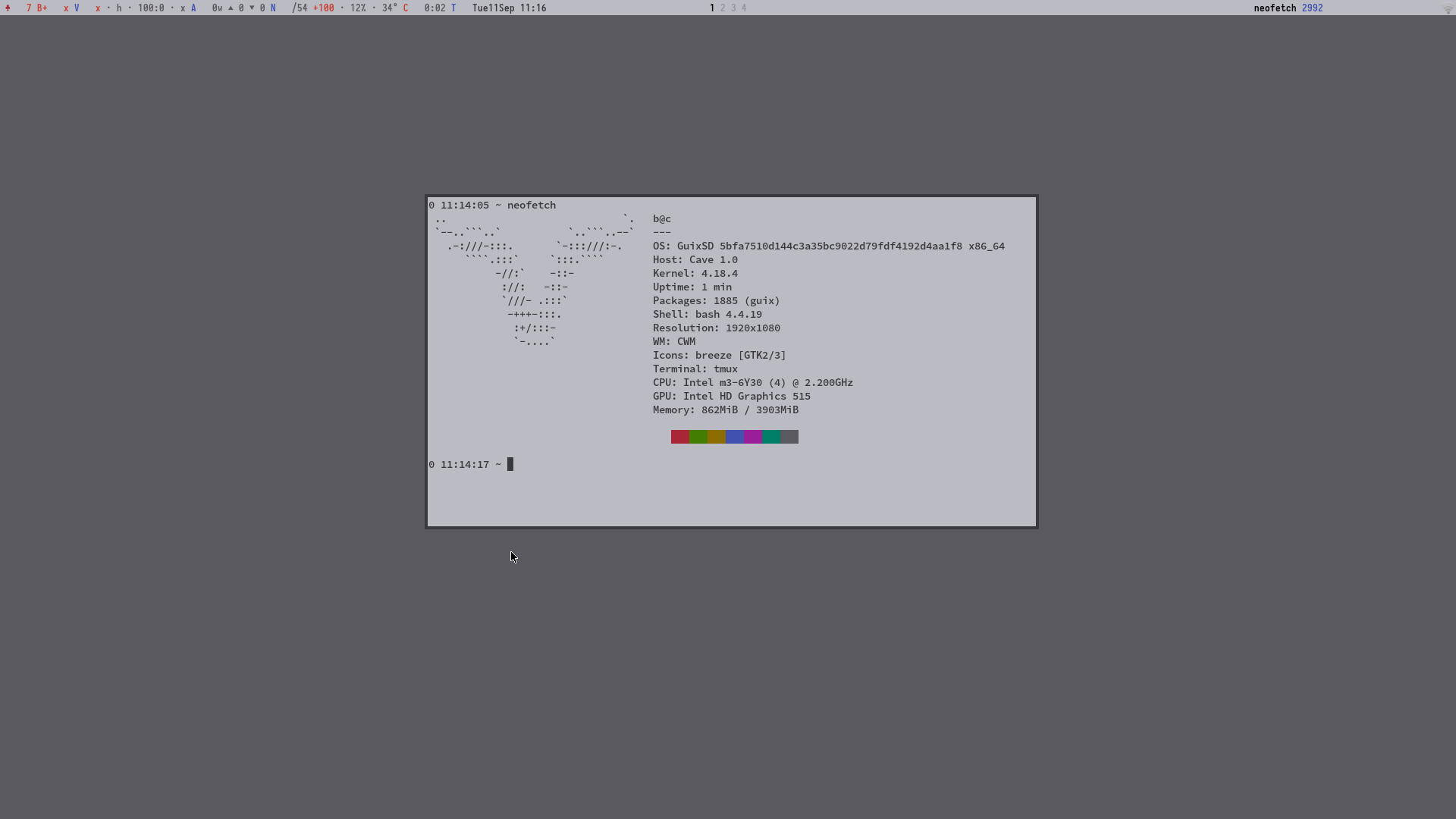
Note: The kernel configuration tips below have not been advised by any official sources. They are my guesses and opinions in relation to desired functionality.
Please look inside the kernel configuration file linked below for the relevant kernel version.
My guix system configuration: c.scm
grep '=m' c.kconfig# echo mem >/sys/power/statedmesg after a second resume.-> Power management and ACPI options
-> CPU Frequency scaling
-> Default CPUFreq governor
-> 'ondemand' cpufreq policy governor
-> Suspend to RAM and standby
-> Hibernation (aka 'suspend to disk')
-> Opportunistic sleep
-> User space wakeup sources interface
-> ACPI ... Support
-> Device Drivers
  -> Sound card support
    -> Advanced Linux Sound Architecture
      -> ALSA for SoC audio support
        -> Intel ASoC SST drivers
        -> SKL/BXT/KBL/GLK/CNL... Platforms
        -> Intel Machine drivers
          -> SKL with NAU88L25 and SSM4567 in I2S Mode
          -> SKL with NAU88L25 and MAX98357A in I2S Mode

      -> USB sound devices
        -> USB Audio/MIDI driver
-> Device Drivers
  -> Graphics support
    -> /dev/agpgart (AGP Support)
      -> Intel 440LX/BX/GX, I8xx and E7x05 chipset support
    M -> Intel 8xx/9xx/G3x/G4x/HD Graphics

  -> Multimedia support
    -> Cameras/video grabbers support
    -> V4L platform devices
      -> SoC camera support
setxkbmap -model chromebook.my-libevdevc, my-libgestures, and my-cmt package definitions in c.scm linked above.xinput list-props {DEVID} for more options.-> Device Drivers
-> Input device support
-> Keyboards
-> AT keyboard
-> Mouse interface
-> Mice
-> ELAN I2C Touchpad support
-> Enable I2C support
-> Touchscreens
-> Elan eKTH I2C touchscreen
-> Networking support
  -> Bluetooth subsystem support
    -> Bluetooth Classic (BR/EDR) features
    -> RFCOMM protocol support
    -> HIDP protocol support
    -> Bluetooth device drivers
    M -> HCI USB driver
    M -> HCI UART driver
      -> Intel protocol support

  -> Wireless
    -> cfg80211 - wireless configuration API
    -> Generic IEEE 802.11 Networking Stack (mac80211)

 Device Drivers
  -> HID support
    -> User-space I/O driver support for HID subsystem

  -> Network device support
    -> Wireless LAN
      -> Intel devices
    M -> Intel Wireless WiFi Next Gen AGN ...
      -> Intel Wireless WiFi MVM Firmware support
-> Device Drivers
  -> MMC/SD/SDIO card support
    -> Secure Digital Host Controller Interface support
    -> SDHCI support on PCI bus
 b
b